.webp)
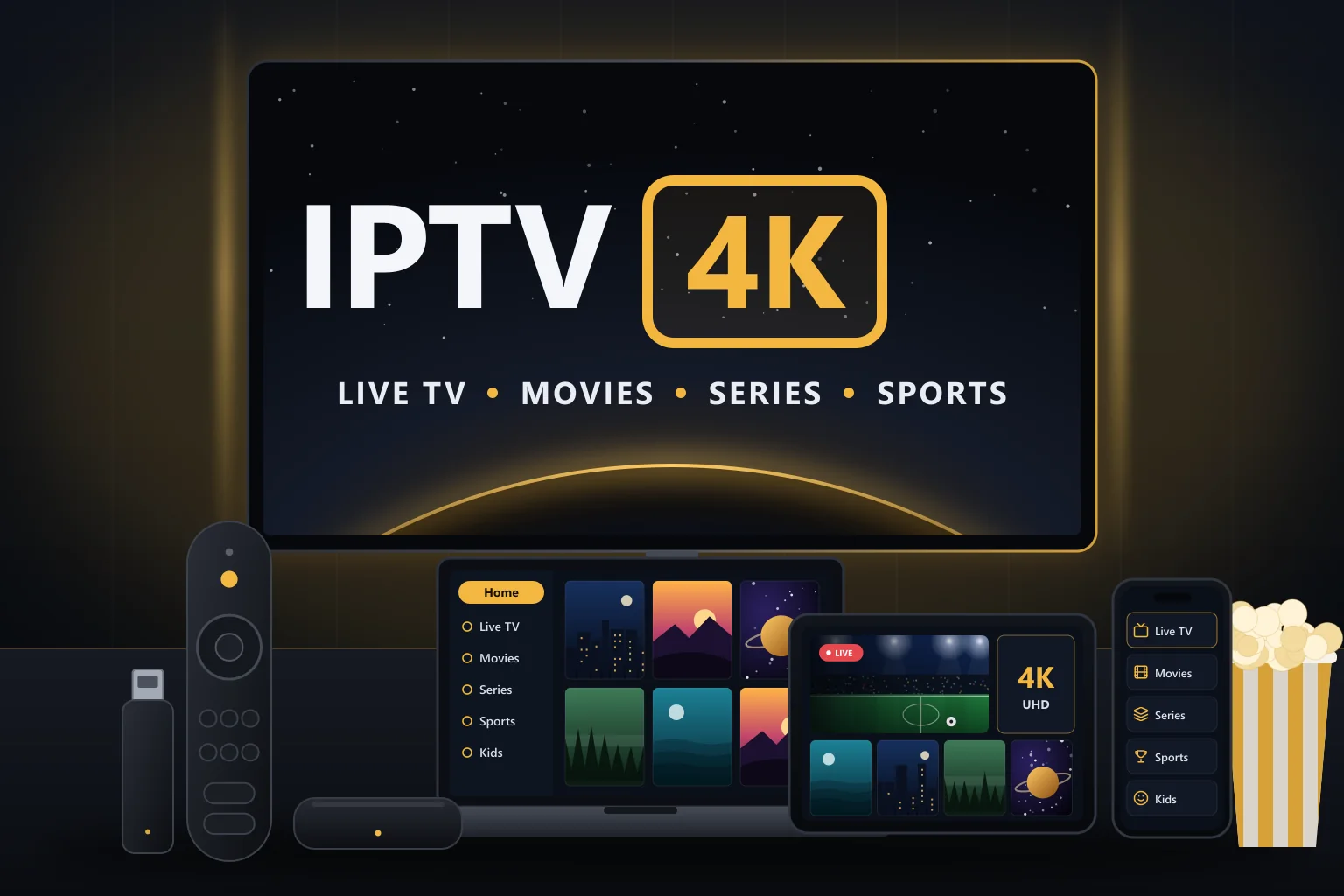
Plenty of good TVs are not “smart”. Maybe it is a reliable older set, a TV whose apps stopped updating years ago, or a computer monitor in a spare room. The good news is that you do not need a Smart TV to watch IPTV. If your TV has an HDMI port, you can add IPTV to it — and in many cases the result is faster and more flexible than a built-in Smart TV app.
This guide walks through every practical option, from a small streaming stick to a laptop, so you can choose the one that fits your TV, budget and viewing habits.
What your TV actually needs
For IPTV, the TV only has to display a picture. The IPTV player runs on a separate device plugged into it. That means:
- An HDMI input — present on almost every TV from the last fifteen years.
- A spare power socket or USB power for the device.
- Your IPTV login details.
- Internet access for the device, by Wi-Fi or Ethernet.
If your TV is Full HD, you get Full HD. If it is 4K, a 4K-capable device can show 4K content.
Option 1: A streaming stick
A streaming stick plugs straight into an HDMI port and hides behind the TV.
Examples: Amazon Fire TV Stick models and Google TV devices in stick or small puck form.
Why people choose it
- Low cost and very easy to set up.
- Comes with its own remote.
- Runs popular IPTV players.
Things to know
- Budget models have limited memory and storage.
- Many sticks have no Ethernet port, though adapters are often available.
- HD models output a maximum of 1080p; you need a 4K model for 4K.
- Some newer Fire TV devices run Amazon’s Vega OS, which restricts installing many IPTV players — check before you buy.
Best for: most households wanting a simple, affordable upgrade. Our Firestick setup guide walks through installation.
Option 2: An Android TV or Google TV box
A small box that sits near the TV and connects by HDMI.
Why people choose it
- More power, memory and storage than most sticks.
- Often includes an Ethernet port for steadier live TV.
- The widest choice of IPTV player apps through Google Play.
Things to know
- Quality varies hugely between certified devices and cheap uncertified boxes.
Best for: large channel lists, 4K HDR and anyone who wants a wired connection. See how to choose an Android TV box for IPTV.
Option 3: Apple TV 4K
Apple’s streaming box runs tvOS and installs apps from the App Store.
Why people choose it
- Smooth, well-designed interface and strong 4K HDR support.
- Fits neatly with iPhones and iPads, and some IPTV players sync between them.
- Automatic frame rate and dynamic range matching.
Things to know
- A higher upfront cost than sticks.
- Player choice is limited to App Store apps, which can change over time.
Best for: Apple households and anyone who values polish and picture quality. Our iPhone and iPad guide includes Apple TV tips.
Option 4: A laptop or mini PC
Connect a computer to the TV with an HDMI cable.
Why people choose it
- Uses equipment you may already own.
- Useful for testing playlists or occasional viewing.
Things to know
- No TV remote, so browsing channels is less comfortable.
- Laptops can be noisy, and sleep settings can interrupt viewing.
Best for: occasional use, student rooms and home offices. See how to watch IPTV on a PC or Mac.
Option 5: Casting from a phone or tablet
Some IPTV players can cast to a Chromecast-enabled device or use AirPlay to reach an Apple TV or compatible TV.
Why people choose it
- No extra setup if the TV or a connected device already supports casting.
Things to know
- Needs a TV or device with built-in casting — a non-smart TV still needs a Chromecast-type device or Apple TV plugged in.
- Not every IPTV player supports casting.
- Quality and stability depend on your Wi-Fi.
- Your phone becomes the remote, which is less convenient.
Best for: occasional viewing rather than a main TV setup.
Option 6: Consoles and other devices
Some games consoles offer media player or IPTV apps, and some providers support dedicated set-top boxes. Availability varies by platform, app store and provider, so check what works with your login format before relying on these.
Comparing the options
| Option | Cost | Ease of use | 4K HDR | Wired connection | Best for |
|---|---|---|---|---|---|
| Streaming stick | Low | Very easy | 4K models only | Adapter on some models | Most homes |
| Android TV / Google TV box | Low to medium | Easy | Yes, on good models | Often built in | Big channel lists, 4K |
| Apple TV 4K | Higher | Very easy | Yes | Yes, on models with Ethernet | Apple households |
| Laptop or mini PC | Uses existing kit | Moderate | Depends on hardware | Usually | Occasional viewing |
| Casting | Low | Easy for occasional use | Depends | No | Quick viewing |
Very old TVs without HDMI
TVs without HDMI can sometimes be used with an HDMI-to-composite or HDMI-to-SCART converter. Expect standard-definition picture quality and a fiddlier setup. If you watch regularly, a modern TV or monitor gives a far better experience.
Monitors and projectors
Any monitor or projector with an HDMI input works with the devices above. Two things to check:
- Sound — many monitors have no speakers. Use headphones, a soundbar or external speakers.
- Resolution — a 1080p monitor shows Full HD; you need a 4K monitor or projector for 4K.
Our recommendation
For most people without a Smart TV, a streaming stick is the simplest, most affordable way to watch IPTV. If you want 4K HDR, a large channel list or a wired connection, step up to a certified Android TV or Google TV box, or an Apple TV 4K if you prefer Apple.
Not sure which device suits your TV? Our guide to choosing a streaming device for 4K IPTV compares them in more depth.